
Fillmore County Civil Docket Searches
Minnesota Court Records Online, or MCRO gives the public its statewide window into Fillmore County District Court. Open Case Search. Pick Fillmore under "Select Specific County Court Locations." MCRO treats Civil, Family, and Probate or Mental Health as separate categories. Pick the one that fits the case you know about. Unsure of the type? Leave the filter broad instead. You can also pull a Fillmore case by full case number, party name, attorney name, bar number, or a filing-date range. Name matching is exact by default. A common name works better with the Fillmore case number. It also helps to add a first name, middle name, filing date, and county filter. Sounds Like helps when the spelling is shaky. A trailing wildcard after at least two characters is another option. It cannot be combined with Sounds Like. The official MCRO case-search reference walks through the Fillmore county selection and the result controls.
- Open MCRO, accept the public-access terms, and select the Fillmore Case Search route.
- Choose Fillmore under specific county locations, then select a civil category only when it is known.
- Search by case number, party, attorney, or date range and narrow a broad result set carefully.
- Open Fillmore Case Details to review the Register of Actions, parties, hearings, document links, and outcome blocks.
- Use Fillmore Court Administration for a terminal review, an omitted record, or a requested copy.
Note: A public MCRO result is informational only. It is not a court-certified copy.
Fillmore Civil Categories on MCRO
Fillmore County District Court handles civil, family, probate, conciliation, housing or eviction, and guardianship or conservatorship matters. Related proceedings sit on the docket too. Online, though, those labels do not blur together. MCRO splits Civil, Family, and Probate or Mental Health into distinct search categories. Conciliation and eviction cases are practical civil matters. Yet they raise different questions, and they can carry different access conditions. A category filter helps when it is right. When it is uncertain, it can hide the very case you want. The Minnesota Rules of Public Access, Rule 4 sets out the general public-access rule. It governs judicial records.
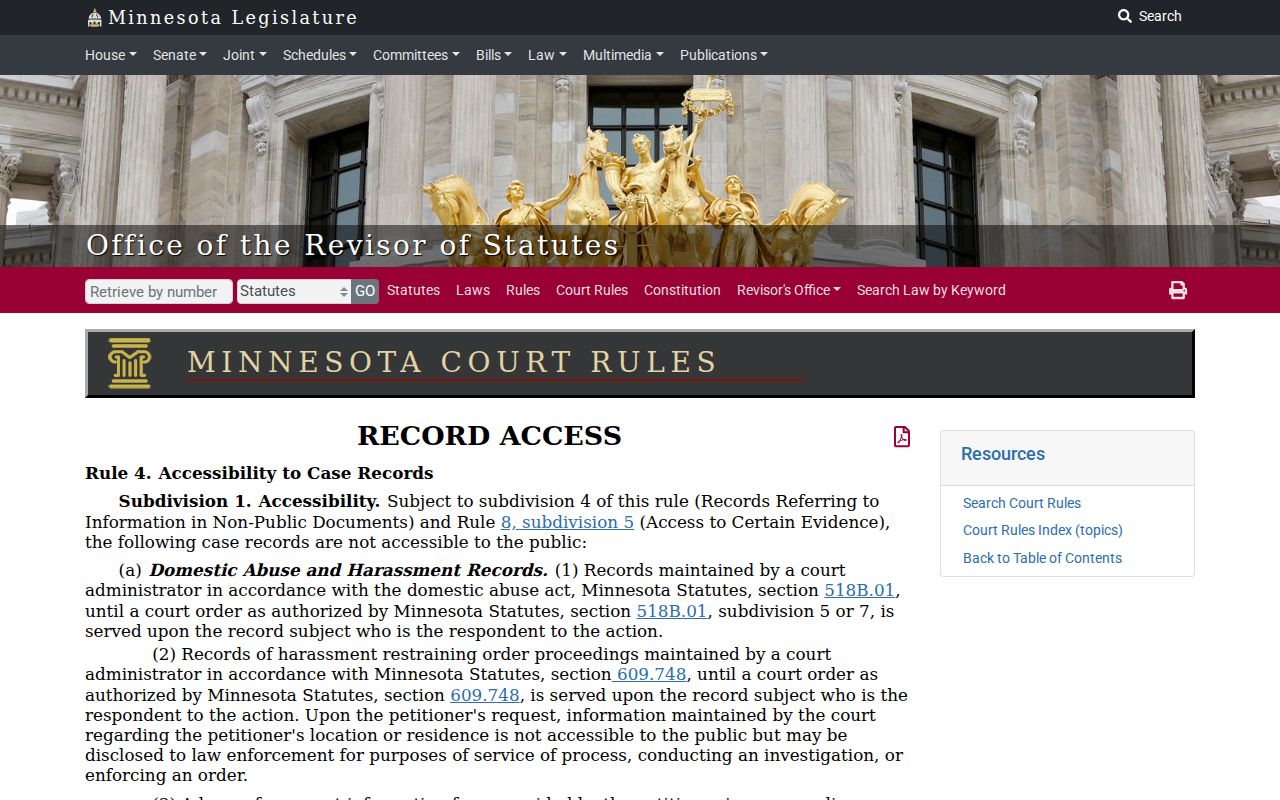
Rule 4 gives the general principle. What you can actually inspect or obtain still depends on the court rules and the category of the individual case. So begin a Fillmore Civil, Family, or Probate search with the category that matches the filing, never a label borrowed from another case type.
Civil Dockets: What They Show
Open a Fillmore County civil case. You get a Case Details page packed with clues. Case number, title, type, filing date, and venue all sit near the top. The page also names the judicial officer. It tracks the current status, flags special conditions, and links related cases. Party roles and attorney blocks tell you who is actually involved. The Register of Actions lists each filed event. Some entries include a document index and a View Document link when a filing is public. Hearings get their own block. The ending, whether by dismissal, settlement, or judgment, appears in the disposition and judgment sections.
One trap deserves a mention. The docket and the document are two different things. A complaint, answer, affidavit, order, contract exhibit, settlement paper, or transcript can have a docket event. The paper itself may still not be online. The official MCRO field guide walks through the Case Details, case-events, hearing, financial, and judgment blocks. Status alone never tells the whole story. Read the events and the recorded outcome before drawing any conclusion about a Fillmore civil docket.
The Rule 8 electronic-access source explains why the public side of MCRO can show less than the courthouse terminal does. The reason matters for any civil court record.
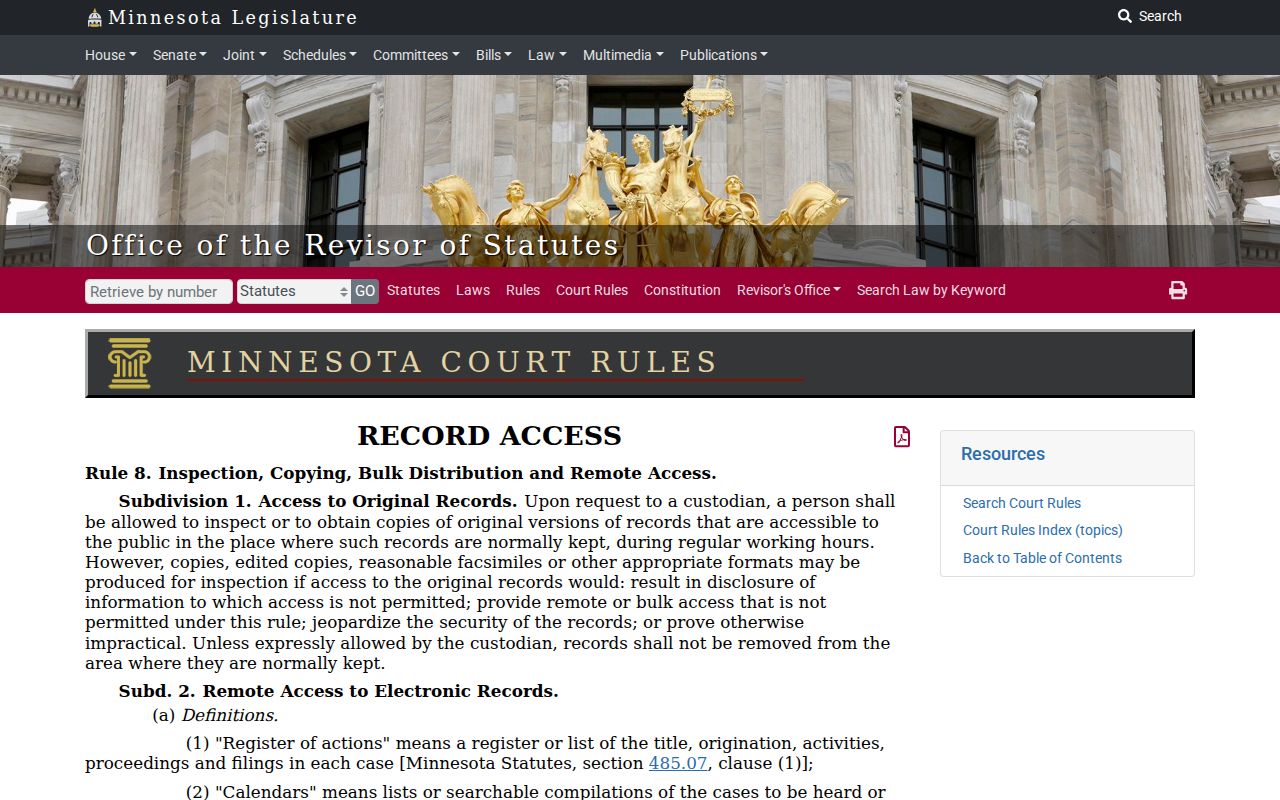
Rule 8 is the practical reminder for Fillmore civil cases. A visible docket event does not guarantee a document you can download remotely.
| Case header | Fillmore title, civil case type, filing date, Fillmore venue, judicial officer, status, flags, and related cases. |
|---|---|
| Parties and counsel | Fillmore party roles such as plaintiff, petitioner, defendant, or respondent, plus attorney information where available. |
| Events and documents | Fillmore filing descriptions, document index numbers, orders, notices, motions, and eligible document links. |
| Hearings | Fillmore scheduled hearing date, time, type, and location when the setting is public and indexed. |
| Outcome and financials | Fillmore dismissal, settlement, judgment, satisfaction, costs, payments, credits, and balance details when shown. |
Fillmore Civil Judgment Search Limits
MCRO Judgment Search answers one narrow question well. Was a Fillmore money judgment docketed, or satisfied? Search by debtor name. Then open Fillmore Judgment Details for the judgment parties, judgment information, and satisfactions. It does not replace Case Details. The full civil Register of Actions holds the filing history, hearings, orders, and other events. Those events led to the judgment or came after it. Need formal proof? Request a certified Fillmore judgment from Fillmore Court Administration rather than trusting a screen print. A satisfaction shows the judgment was paid. It should be read alongside the judgment information and related case events. Where MCRO displays them, the amount, payments, credits, and balance are separate fields. That separation keeps one financial figure from masquerading as the whole civil case.
What Cases Fill the Civil Docket
A Fillmore County civil docket can hold a complaint or petition, service or citation, answer, motion, affidavit, notice, scheduling event, order, settlement, dismissal, judgment, satisfaction, or appeal notice. The exact order depends on the case. Civil, family, probate, conciliation, eviction, guardianship or conservatorship, and civil-commitment matters each run their own course. One generic "civil" process would mislead you. The Fillmore docket records what happened in the court file. It does not put every related paper within remote reach.
| MCRO category | What the category signals | Useful next check |
|---|---|---|
| Civil | General Fillmore civil case information and events | Fillmore Case Details for the full Register of Actions |
| Family | Fillmore family filings with narrower remote-document access in some matters | Case Details, then Fillmore Court Administration when access is limited |
| Probate or Mental Health | Fillmore probate and combined specialty category | Case Details and the Fillmore courthouse terminal when needed |
| Conciliation or eviction | Fillmore civil case types with their own procedural questions | Use the actual category and current Fillmore hearing information |
Every Fillmore County civil category runs on its own pattern of events. A small-claims file will not read like a probate file. And remember that a docket line has limits: a settlement or dismissal entry does not expose settlement terms or every exhibit filed in the case.
Fillmore Civil Case-Number Searches
Party names cause most search trouble in Fillmore County. Two people can share one. A Fillmore case number solves that, because the court itself assigned it to one file. MCRO takes the number with or without dashes and leading zeros. Spaces are not allowed. Case Search uses it to reach Case Details, Document Search pulls eligible documents, and Hearing Search answers a scheduled appearance. A name search may drag up many records; the number narrows things to the case the court identified.
Fillmore attorney search is another documented route. It works when you know the attorney name or full bar number, and it can tie a civil filing to counsel without guessing among common party names. Category and access limits still apply to the results. If number, name, and attorney searches all miss an expected Fillmore County case, ask Court Administration at the courthouse. Older, restricted, and non-remote records live there, not online.
Hearings on the Civil Docket
For a Fillmore County civil date, check the case's Hearings block and MCRO Hearing Search first. Then compare what you find with the Fillmore daily calendar PDF. Document Search answers a different question. A document is not a hearing. The daily PDF lists public courtroom hearings only. It is not the full Register of Actions, and it omits confidential matters along with Rule 8 subdivision 2 matters that lack remote access.
Fillmore Policy 525 sorts civil-other hearings into evidentiary hearings, pretrials set for settlement when a court trial is scheduled, court or jury trials, contempt, and everything else. Separate local categories cover housing or eviction, civil commitment, guardianship or conservatorship, probate, family, adoption, expedited process or child support, and OFP or HRO proceedings. Trust the event and category shown in the Fillmore case. Not every civil hearing follows the same path.
Fillmore Civil Pretrials and Hearings
A "pretrial" line is not a final civil outcome. Fillmore's Policy 525 calls a civil-other pretrial a setting meant for settlement. That setting applies when a court trial is scheduled. An evidentiary hearing is where evidence gets considered. A Fillmore court trial puts the case before a judicial officer. A jury trial is its own listed setting. These labels explain the purpose of a calendar line, nothing more. They cannot predict whether a case settles, gets dismissed, or goes to trial.
- Settlement
- A recorded civil resolution event; it does not necessarily make its terms or supporting documents remotely available.
- Dismissal
- A recorded disposition event that should be read with the case events and order information.
- Judgment
- A court-recorded civil outcome that may be searchable in Judgment Search and has separate details.
- Satisfaction
- A judgment-related record showing that the judgment has been satisfied.
When a civil setting truly matters, verify the newest hearing date three ways. Check MCRO and the daily PDF, then call Court Administration at 507-765-6021. If the printed courthouse calendar conflicts with an earlier PDF, the courthouse version is the stated current source.
Who Can See Civil Dockets
Court records in Fillmore County run on rule-based access, not a general government-records request process. Family, domestic-abuse, civil-commitment, CHIPS, and juvenile categories can follow different access rules entirely. The Fillmore Rules of Public Access, MCRO's limitation notices, and Court Administration's direction govern what you may see. Each applies to a court file in its own way.
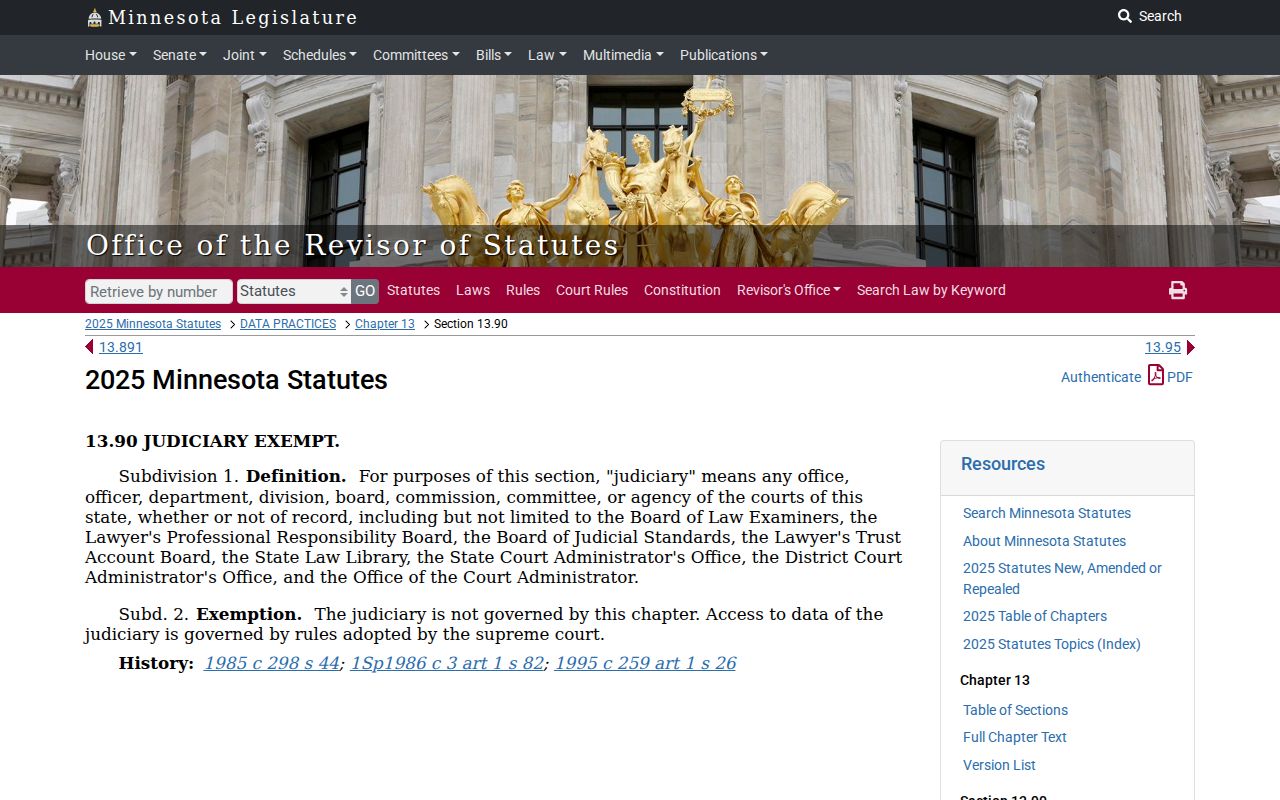
Minnesota Statutes section 13.90 draws the statutory boundary. The ordinary Minnesota Data Practices Act framework generally does not reach the judicial branch. That statute frames any Fillmore County civil docket request.
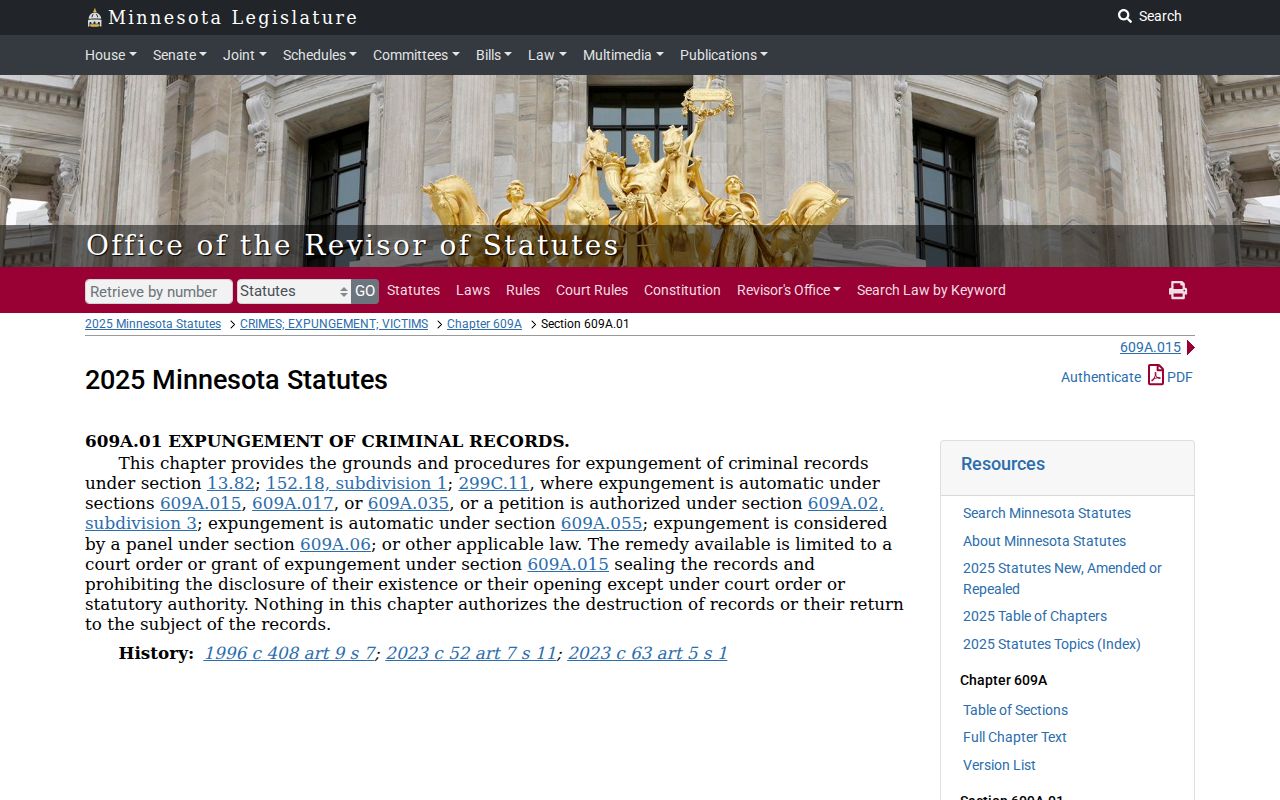
A missing MCRO document or hearing proves nothing. A filing may exist and still be held back by its category, a remote-access restriction, a redaction, or a sealing order. For sealed-record questions, start with the Minnesota expungement and sealing statute.
When Fillmore access is unclear, ask Fillmore Court Administration which rule, privacy category, or order controls the civil item you want. That one call settles the question.
Fillmore Civil Records and Certified Copies
Fillmore Court Administration handles the public terminal, paper-file questions, and copy requests. The office sits at 101 Fillmore Street E., Preston, Minnesota 55965. Its general line is 507-765-6021. For mail requests, send the statewide Copy Request Form or a written request. Include the Fillmore case number or identifying case information. Add a document description, the copy type, and payment when required. The form lets you choose mail, pickup, fax for plain nonconfidential copies, email for plain nonconfidential copies, or a prepaid carrier label.
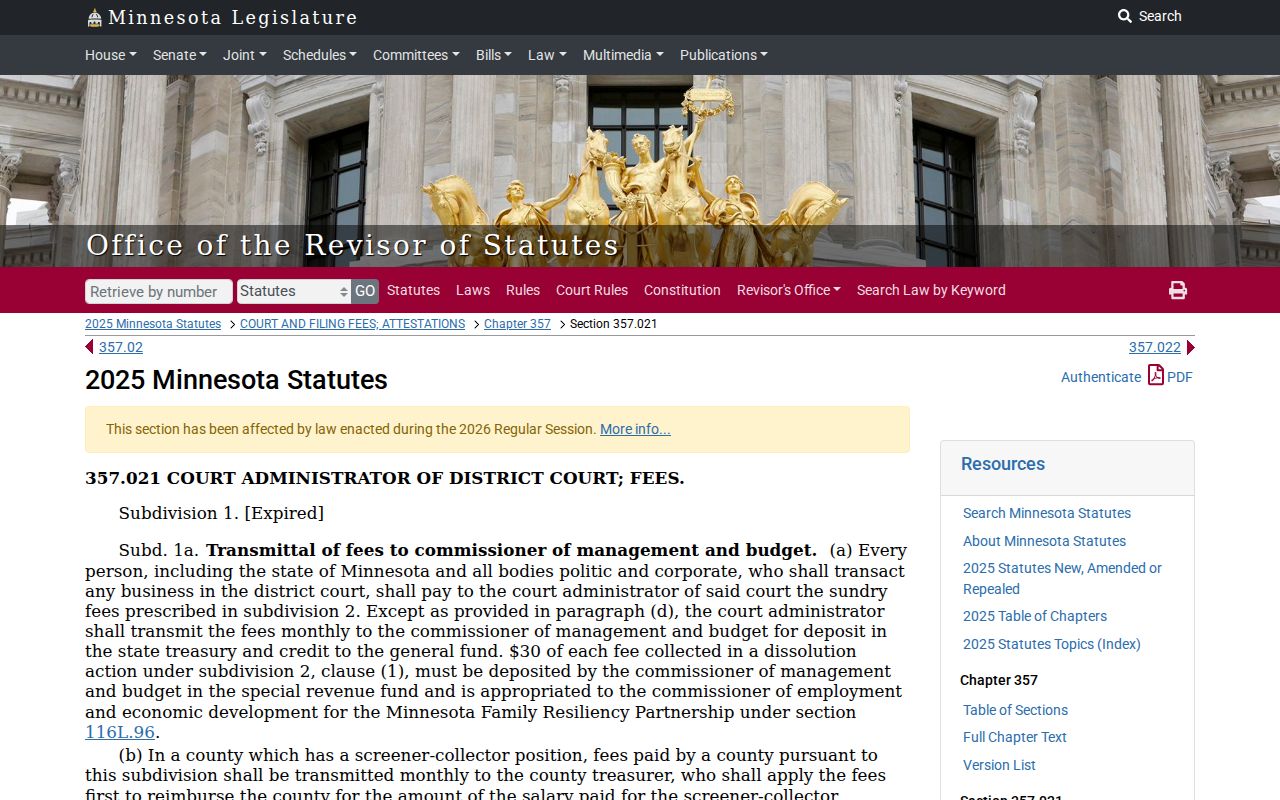
Costs split by copy type. Fillmore plain copies are generally $0. Certified copies run $14 per document, exemplified copies $14, and certified plus exemplified $28. The court-fee statute backs the line between ordinary public viewing and paid certification. Check the Fillmore fee display before paying, since the office calculates each request.
Need a certified Fillmore judgment? Request the court-authenticated record itself. A Fillmore MCRO result, calendar PDF, or screen print is not the certified document.
| Copy type | Fee |
|---|---|
| Plain copy | $0 |
| Certified copy | $14 per document |
| Exemplified copy | $14 per document |
| Certified and exemplified copy | $28 per document |
Note: older Fillmore files may not come back the same day. Ask Court Administration about the current retrieval route before you plan around a visit.