
Fillmore County Court Record Requests
Court Administration in Fillmore County is the place to ask about District Court files, whether the matter is civil, family, probate, juvenile, criminal, or traffic. Gather the basics before you call. You will want the case number and the party names. Add the county and the rough filing year. Then name the exact record you need.
MCRO, the statewide viewer, offers free public searches. It also shows images of documents that qualify for remote access. For everything else, the courthouse public-access terminal and the paper-file counter open a wider window into the Fillmore County court docket. Copy and certification questions go straight to Court Administration staff.
- Use MCRO to locate the Fillmore County case and its Register of Actions. Use Document Search with a case number for an eligible public document.
- For local inspection, visit the Fillmore County Courthouse public terminal or ask Court Administration about a paper file.
- For a mailed request, send the statewide Copy Request Form or a written request with the case and document details.
- Call 507-765-6021 for older-file, certification, or access questions. The court does not publish a separate public-records desk number.
- Choose plain, certified, exemplified, or certified-and-exemplified copies, then arrange payment and delivery where a fee applies.
Fillmore County fax and email delivery covers plain, nonconfidential copies only, sent on the statewide form. Before you send anything, confirm the current Fillmore route with Fillmore Court Administration.
Fillmore MCRO Document Access
MCRO is a public court viewer. It is not the Minnesota eFS filing system. Authorized users operate eFS to file and serve papers. eFS is not a public archive account. So do not confuse the two when hunting for a Fillmore County court docket.
Inside MCRO, a Case Event can list a document index number yet offer no View Document control. When that happens, the dated history is public. But the image is either not eligible for remote viewing or simply not available that way.
For the broad criminal and civil categories, MCRO describes remote document access generally from July 1, 2015 forward. Probate, guardianship, conservatorship, and trust materials follow their own rules for coverage. Family and post-adjudication paternity documents face the narrowest remote availability of all. Older Fillmore County files may show nothing online beyond judgments, orders, opinions, or notices. That makes the local terminal or the counter the next stop.
Note: MCRO charges no fee for an available Fillmore document. It cannot supply a certified Fillmore court copy, however.
Kinds of Court Records
People use the phrase court records to mean several things at once. The Fillmore County District Court keeps files in civil, family, probate, juvenile, criminal, traffic, conciliation, eviction, and related proceedings. Public access varies by category, though. A public Register of Actions is not automatically a complete public file. The copy type matters. It decides whether Court Administration authenticates the record.
- Register of Actions or Case Events, the dated history of filings, orders, hearings, and outcomes.
- Filed documents such as complaints, petitions, answers, motions, affidavits, orders, judgments, and notices.
- Hearing information, including the public settings shown in Case Details or the daily calendar.
- Judgment material and satisfactions, which have their own MCRO search view.
- Plain, certified, exemplified, and certified-and-exemplified copies supplied through Court Administration.
City administrative citations stay separate from a filed Fillmore County District Court case. City-government records are not court records either. For a court-file request, the right local custodian is Court Administration, not a city office.
Fillmore Court Record Layers
Fillmore County sorts record requests into three layers. Knowing which layer you need saves time. The first is the Fillmore Register of Actions, the case index and its chronological history. The second is a single filed Fillmore document. It ties to one event in the court docket. The third is a certified copy, a court-supplied document with the authentication level you asked for. A browser printout never counts as the last layer. Neither does a calendar PDF, an MCRO page, or an uncertified MNCIS screen print.
| Layer | What it provides | Local route |
|---|---|---|
| Register of Actions | Fillmore County dates, events, orders, hearings, and disposition history | MCRO Case Details or courthouse terminal |
| Filed document | An eligible Fillmore County complaint, order, judgment, motion, or other filing | MCRO View Document, terminal, or copy request |
| Certified copy | Fillmore County court authentication, including a raised seal where applicable | Fillmore Court Administration |
Name the layer when you make a Fillmore County record request. Add the document date or index number if you have it. That precision helps without assuming the document can travel by email.
Court Records: What They Contain
What you see in Case Details is one view. What sits in the underlying Fillmore County file is another. They do not always match. The public view can blend case metadata, parties, events, hearings, outcomes, and financial information. Redaction and Rule 8 limits still apply. They can wall off particular fields or documents. Read the Register of Actions as a running account of court activity. It is not a summary of the facts beyond the record itself.
| Case Information | Case number, title, case type, filing date, Fillmore venue, officer, status, citation number, flags, and related cases. |
|---|---|
| Parties and counsel | Party role and attorney information, with other identifiers subject to court-access limits. |
| Register of Actions | Chronological Fillmore County Case Events, descriptions, document indexes, and eligible document links. |
| Hearings and orders | Public settings, notices, rulings, and filing history where available. |
| Disposition and financials | Outcome information, judgments, payments, credits, balances, and other separate case-detail blocks when applicable. |
Sometimes an event shows up in the docket while its document stays hidden. Fillmore County Court Administration can then point you to the right Fillmore County copy route.
Fillmore Copy Request Form
Fillmore County uses the statewide copy form rather than a county-specific version of its own. The form holds four document-request blocks. One request can therefore cover several items. Fill in the county and the case type. Add the court file number if known and the party names. Describe the document and its date or index. State the number of copies and the copy type you want. Delivery choices include mail, pickup, fax, email, or a prepaid FedEx or UPS label. The rules for the material you request govern which options apply.
| Form field | Why it matters |
|---|---|
| Case type and file number | Routes a Fillmore County request to the right Fillmore County District Court file. |
| Parties and document description | Helps identify a Fillmore County case or a specific order, judgment, docket, or filing. |
| Document date or index | Matches the Fillmore County request to an entry in the Register of Actions. |
| Plain or authenticated copy choice | Distinguishes the Fillmore County certification level and fee. |
| Delivery choice | Fillmore County mail, pickup, prepaid carrier, or fax/email for plain nonconfidential material. |
Fax or email delivery on the Fillmore form is limited to plain, nonconfidential copies. If you want shipping instead, you supply the prepaid label as the Fillmore requester.
Copy Fees and Certification
The published District Court fee display for Fillmore County splits free plain access from the paid services. A certified copy is a court-authenticated document, so it costs more than an informational screen print. Check the live Fillmore fee page before paying. The final calculation depends on the service you request.
| Item | Fee | Fillmore County note |
|---|---|---|
| Plain copy, uncertified MNCIS print, scan, or screen print | $0 | Fillmore County informational copy, not court-certified |
| Certified document or certified system image | $14 each | Fillmore County civil/criminal instruments and listed certified prints or scans |
| Exemplified copy | $14 each | Fillmore County additional authentication level |
| Certified and exemplified copy | $28 each | Fillmore County combined authentication |
| System report | $5 for 1–50 pages; $25 each additional 50 pages or part | Fillmore County service fee schedule |
| Scanning or fax service | $25 per 50 pages or part | Fillmore County delivery and access restrictions still apply |
| Certified judgment search | $5 per name | Verify the Fillmore County calculation before paying |
Fillmore Court Administration
Fillmore County Courthouse
101 Fillmore Street E.
Preston, MN 55965
507-765-6021
Fillmore County accepts credit cards, checks, and money orders for certified or exemplified requests. Make Fillmore checks and money orders payable to District Court Administrator.
Fillmore Older Court Files
Digging into an aging Fillmore County case takes patience. Statewide tools make no promise that an archived file comes back the same day. Some older Fillmore files sit in storage rather than on a screen. So call Court Administration first, before you drive anywhere, and ask what route actually works: the public terminal, a paper file pulled for inspection, a copy request, or a court order.
What about a document that shows no image online? That gap proves nothing. It may simply fall outside the date coverage, or a Rule 8 remote-access restriction may block it. Sealed or confidential categories cause the same blank. An old file stored off-site does too. The Fillmore County docket search helps here, since a case number or document index gives Court Administration something concrete to work from before you make a local request.
Access Rules for Court Records
Court-access rules govern Fillmore County judicial records. The executive-branch data-practices process most Minnesotans know does not control here. Access comes in layers instead. MCRO shows one slice. A courthouse terminal shows another, and a paper file or certified copy still more. When a docket document is missing, sealed, confidential, or juvenile, ask Court Administration. Court Administration can say which rule or order applies.
Minnesota court-record rules:
Rule 4 makes court records generally public subject to exceptions and court-controlled access methods.
Rule 8 explains remote and electronic limits, including why a public terminal can provide access that MCRO does not.
Minnesota Statutes §13.90 distinguishes judicial records from the ordinary Minnesota Data Practices Act framework.
Minnesota Statutes §357.021 supplies court-fee authority for certified copies and public instruments.
Minnesota Statutes §609A.01 addresses expungement and sealed access; §260B.163 addresses juvenile-hearing privacy and limited public exceptions.
Minnesota’s juvenile-hearing privacy statute is the source represented in this Fillmore County court-record image.
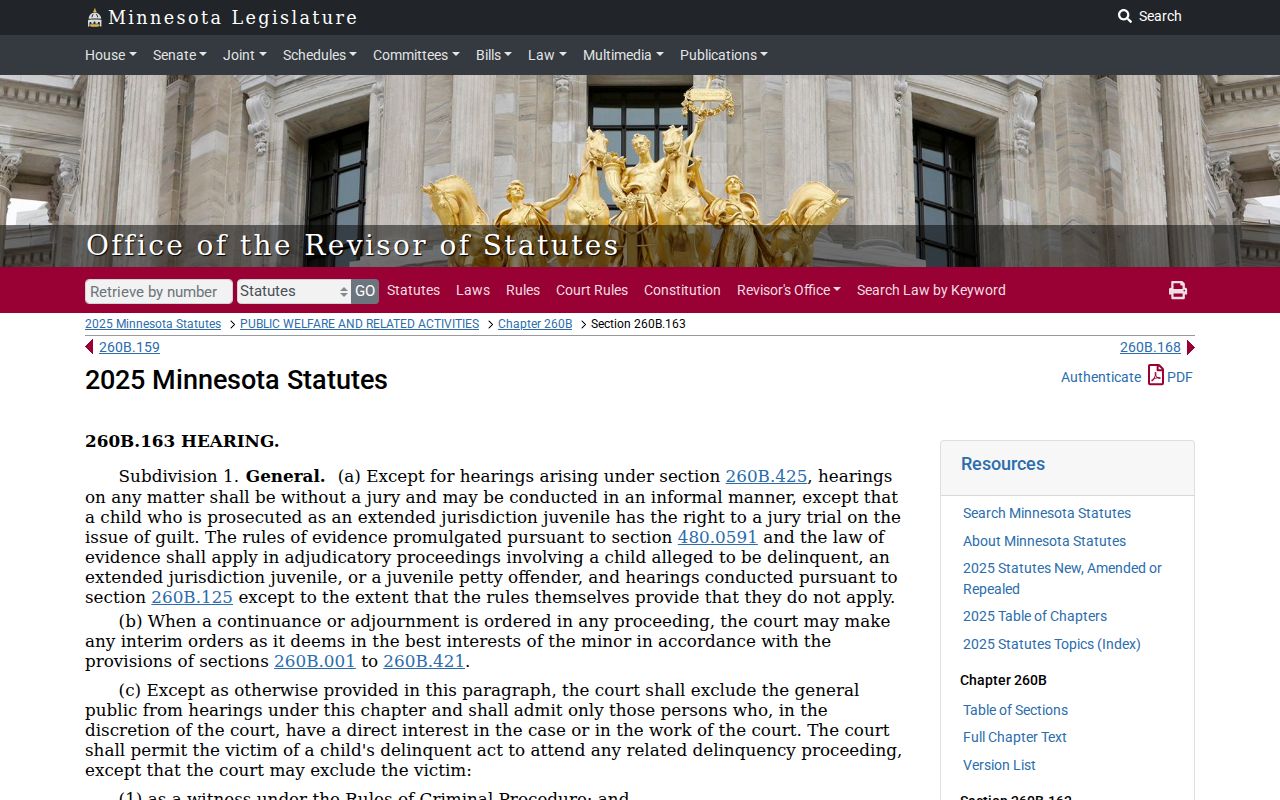
Juvenile material in Fillmore is not ordinary adult docket content. Treat it as closed even when another part of a Fillmore County court file is public.
Fillmore Court Exhibit Access
Exhibits filed in electronic form do not become public downloads by default. Minnesota's Digital Exhibit System runs on a secure process. Getting public access takes express judicial approval. Suppose a Fillmore County Register of Actions entry lists an exhibit. That listing alone authorizes no copy. The docket entry records a filing, not a right to view it. Court Administration in Fillmore County can explain the applicable order and access category. It can also say whether a document request is even possible.
Note: Under the court's rules, seeing a Fillmore record event is one level of access. Downloading an exhibit is a very different one.
Fillmore Federal Court Records
Fillmore County state cases live in Minnesota District Court and MCRO. That is where a county docket belongs. A federal case is a different animal entirely. If a local person, business, agency, or event lands in federal court, that case never joins the Fillmore County court file. Federal trials belong to the U.S. District Court for the District of Minnesota. Federal appeals skip the Minnesota Court of Appeals. They go to the Eighth Circuit instead.
The U.S. District Court for the District of Minnesota shows the court's own official description of its trial-court records. It also covers how the federal docket operates.
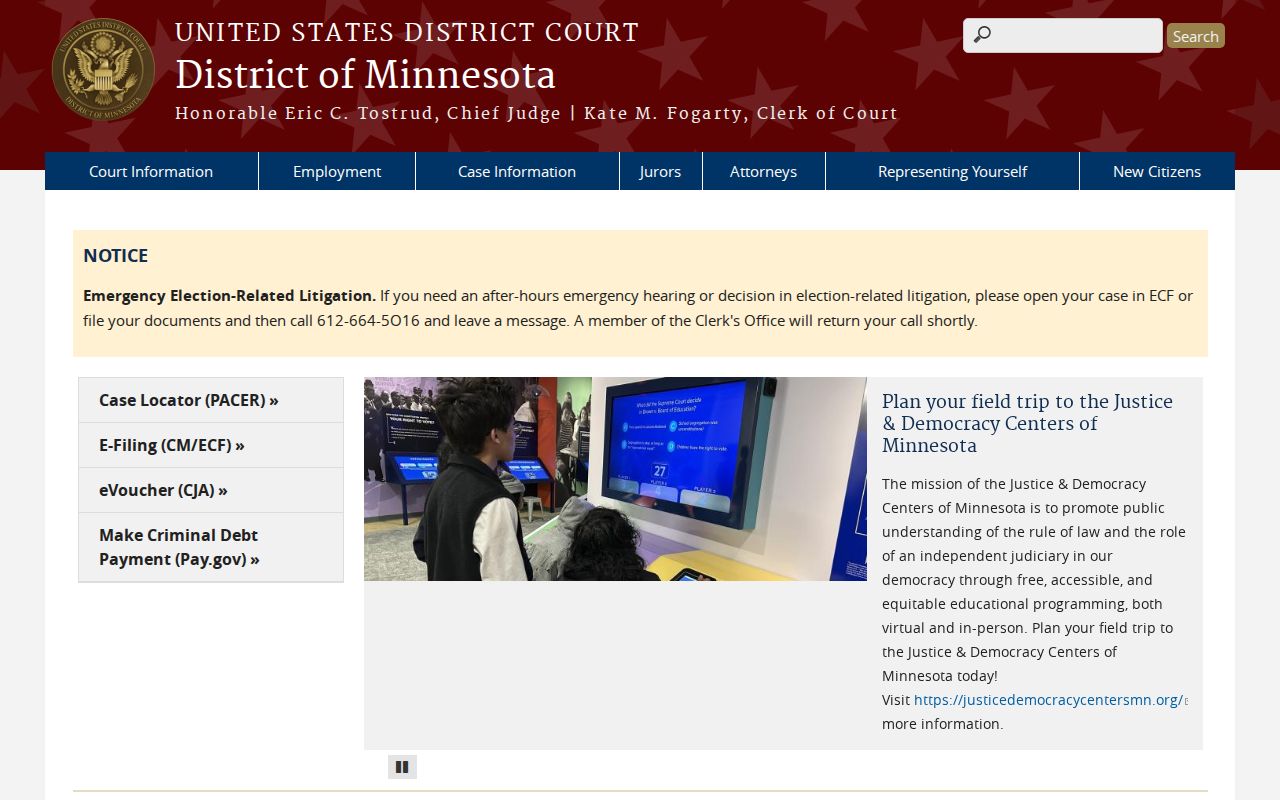
The federal court keeps its own records. A Fillmore County copy request cannot retrieve a federal docket. PACER's official pricing information lays out the federal public docket service and its current fee rules.
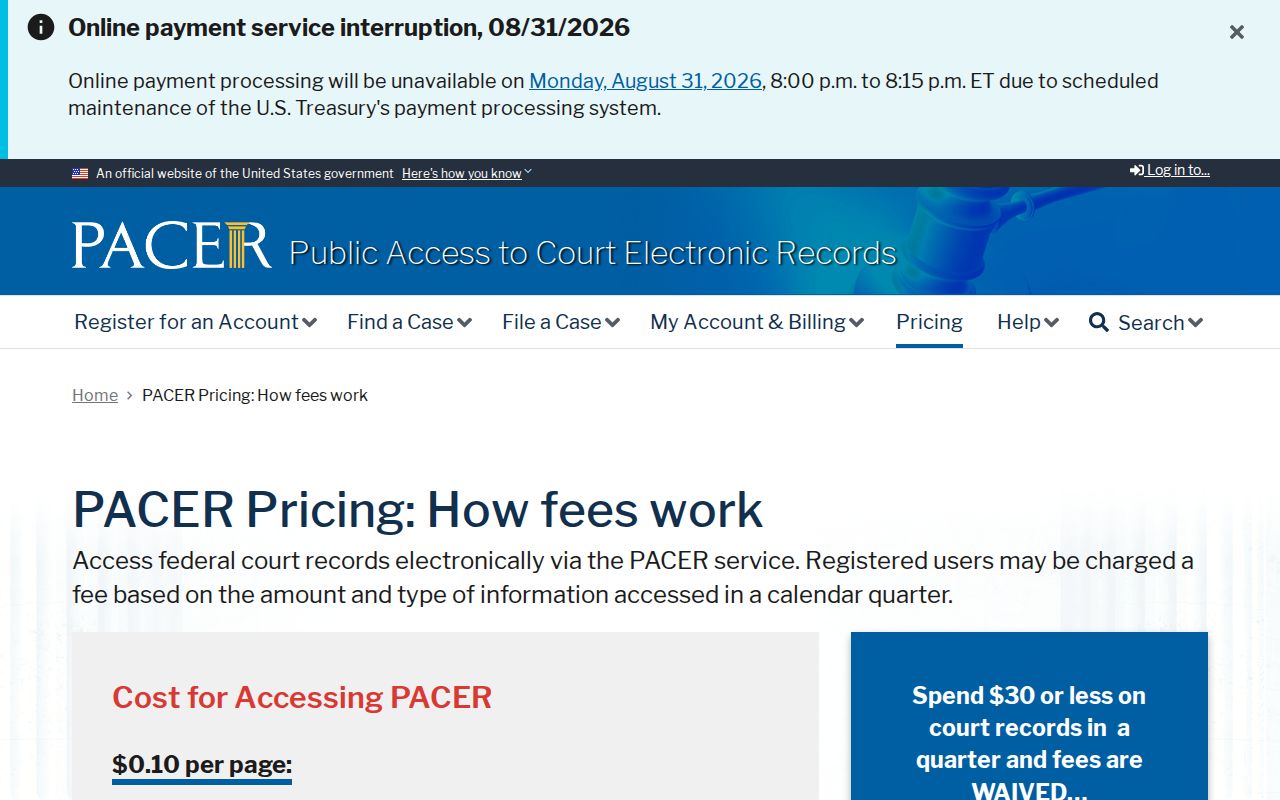
PACER is separate from free MCRO access. Pulling a federal filing may require a PACER account. District of Minnesota CM/ECF court information identifies the federal filing system along with court office information.
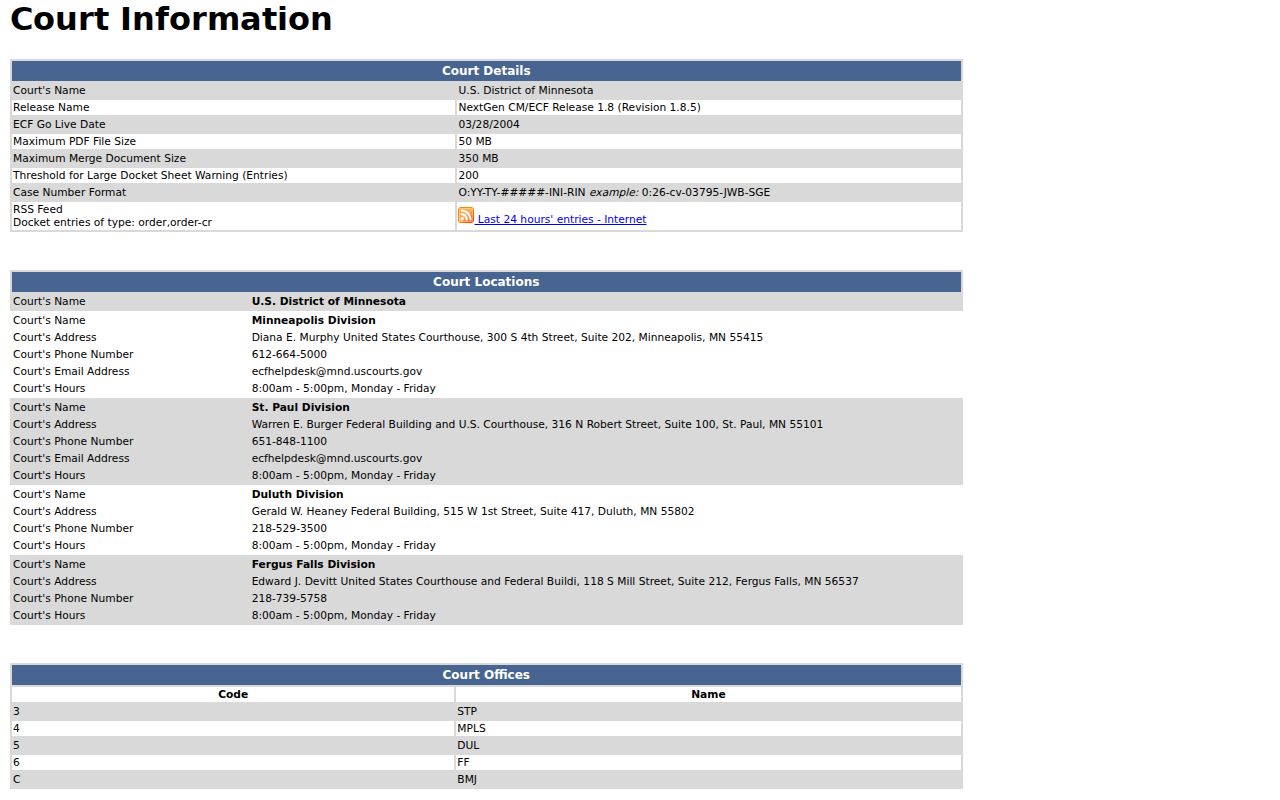
CM/ECF mainly serves lawyers and filers. It is not a Fillmore County public court-record portal. CourtListener's RECAP interface can surface federal filings that entered its archive, but it is not the official source and may be incomplete.
Split the task in two. A federal record means PACER and the federal court control it. A Fillmore County District Court file means MCRO and Court Administration remain the local channels for the county docket.