
Name-Based Case Searches
For a name search, go straight to the official Minnesota Court Records Online Case Search. That system, called MCRO, is the public face of District Court cases across the state. Pick the name method. Type a last name and first name. Narrow things only when a date, category, or county choice genuinely helps. Selecting Fillmore County works well when you know where the case was filed, while a statewide search catches filings made in the wrong venue.
- Open MCRO and accept its public-access terms. The result is an unofficial court lookup, not a certified copy.
- Choose the Name method and enter the person or business name using the spelling available.
- Select “Select Specific County Court Locations,” search for Fillmore, and check Fillmore before choosing Find.
- Use an optional birth-date range, filing-date range, or case category only to reduce a broad Fillmore County result set.
- Open View Case Details for the likely match, then use MCRO’s Return to Search control for another search.
One caution on Fillmore County name searches. A pending Fillmore criminal, traffic, or petty-misdemeanor matter with no conviction may not show up when you search by defendant name.
Fillmore County MCRO Case Search Tabs
MCRO gives the public four tabs, and each answers a different Fillmore County court question. Case Search finds the case itself plus its public details. Document Search starts from a case number and can surface an eligible public filing. Hearing Search is the flexible one. It accepts person, business, case number, judicial officer, attorney, and bar-number routes. Judgment Search, though, covers docketed money judgments and satisfactions. It is not a stand-in for the full case record.
| MCRO tab | Fillmore County use | What to expect |
|---|---|---|
| Case Search | Locate a Fillmore County District Court case | Case Details, events, hearings, and available documents |
| Document Search | Find an eligible Fillmore County filing by case number | View Document appears only when remote access is allowed |
| Hearing Search | Find a scheduled Fillmore County court setting | Search controls for people, cases, officers, and attorneys |
| Judgment Search | Check a Fillmore County docketed money judgment | Judgment details and satisfactions |
The MCRO access explanation walks through these layers and what documents each one covers. Fillmore County relies on MCRO alone; it maintains no separate county-built case database of its own.
Case Number Searches
For MCRO, nothing beats a complete Fillmore County case number. The local county code is 23. A mandatory-appearance criminal or traffic matter looks like 23-CR-YY-NNN. A nonmandatory payable violation takes the form 23-VB-YY-NNN. Skip the spaces. Dashes and leading zeros are flexible. MCRO finds the case whether you type them or leave them out.
In MCRO, pick Case Number, type the full identifier, and open the result. Say a Fillmore County traffic matter is pending and the name search comes back empty. Switch to Citation Number and enter the whole number printed on the citation. Finding the case number means you have located the Fillmore County court file. It does not guarantee every document in that file is available remotely.
Fillmore County Name Search Options
MCRO reads a name as exact by default. A plausible spelling can therefore miss a Fillmore County case entirely. Begin with the last and first name you know. After two characters, a trailing wildcard is allowed, and Sounds Like serves as a separate tool for spelling variations. The two options cannot be combined. To narrow a broad Fillmore County response without touching the underlying court record, add a middle name, date of birth, or date filed.
- Wildcard
- A trailing asterisk after at least two characters that broadens a name search.
- Sounds Like
- An MCRO option for spelling variation that cannot be used with a wildcard.
- Case category
- An optional Civil, Criminal, Family, or Probate/Mental Health filter.
- Attorney search
- An alternate MCRO method using an attorney name or complete bar number.
Hold off on adding a category if you are unsure what type of Fillmore County filing you are chasing. Filters can exclude records that do exist. So a family or probate file missing from filtered results is not evidence that no case was ever filed.
Case Search Results Explained
Click past the title in a result list. Opening Case Details shows much more. The official MCRO Case Details field guide walks through each block of information the court records for Fillmore County cases. It runs from party names to judgments. Read a status together with the events and the outcome listed. An Open or Closed label is just administrative bookkeeping for the docket. Treat it as a pointer rather than the court's final word on what happened.
| Case Information | Case number, title, type, filing date, Fillmore County venue, officer, status, citation, flags, and related cases. |
|---|---|
| Party Information | Fillmore County party roles and limited identity or attorney information, subject to access rules. |
| Case Events | The Fillmore County Register of Actions, a chronological history that can include a document index and eligible View Document control. |
| Hearings | Scheduled and prior Fillmore County court settings when publicly available. |
| Outcome and finances | Fillmore County dispositions, sentencing where applicable, bond or bail activity, balances, payments, and related financial information. |
One caution on warrant flags: a marker at the party level can belong to a different case entirely. So when Fillmore County search results show one, open the individual case information and its events before drawing any conclusion about the docket in front of you.
Fillmore County Case Result Limits
MCRO caps a search at 200 results. That ceiling matters in Fillmore County. A common surname can hit the limit before the case you want ever appears. Repeatedly refreshing the browser won't fix it. Instead, narrow the docket search: add a filing-date range, select Fillmore County, or pick the right case category. You can also search by case number, citation, or attorney identifier when you have one. Results sort Newest First or Oldest First, and the interface lets you print the list.
Use MCRO navigation: After viewing a case, select Return to Search instead of the browser Back button. The court’s search materials specifically direct users to the in-app control.
Note: A tighter query beats guessing that a missing item sits past the visible result list.
Fillmore County Document Search
Document Search is its own MCRO tab. It retrieves an eligible Fillmore County filing once the case number is known. Type the number without spaces, then select Find. If remote-access rules permit the document for public viewing, a View Document control appears. After reviewing the result, use Return to Search inside MCRO. That works better than the browser Back button.
MCRO describes broad remote availability after July 1, 2015 for major and minor criminal and civil cases. That availability is subject to court rules. Even so, a Fillmore County Case Event can appear with no document image attached. That gap shows up most for older files or categories with narrower remote access.
Two Ways to Search: County and State
MCRO gives you two location options for a Fillmore County docket search. Pick the Fillmore County setting when you know the filing happened there. Pick the statewide setting when the court location is unclear. The case might also sit in another Minnesota county. Both choices run on the same public court records system. So a docket search either way pulls from one database, not two.
| Search choice | Coverage | Best use |
|---|---|---|
| Fillmore County selected | Cases tied to the Fillmore County District Court location | A known Fillmore County case or a broad name needing a county filter |
| Statewide locations | Participating Minnesota District Court locations | An uncertain venue or a search after the Fillmore query is empty |
If your case has a hearing coming, compare the Hearings block against the Fillmore daily calendar. That calendar lists court dates only. It is not the full Register of Actions for the case.
Fillmore County Case Search Fallback
A thin Fillmore County result online is not a dead end. Let the question pick the channel. Need a hearing date? Check the Fillmore daily calendar after MCRO. Need the full history of a case? Open the Register of Actions in MCRO. When a public document is missing, the record is old, or the access category is unclear, use the terminal at the Fillmore County courthouse or call Fillmore Court Administration. If an online calendar conflicts with something else, trust the courthouse printed calendar as the current local source.
None of these fallbacks opens a restricted matter. They simply point you to the right custodian and the right route. Court Administration can tell you whether inspection, a plain copy, a certified copy, or a court order fits the Fillmore County record you want.
Fillmore County Citation Searches
A failed name search in Fillmore County still leaves two useful keys. The first is Citation Number search. It takes the full number from a traffic citation. The second is Attorney search, which accepts an attorney name or a full bar number. MCRO Hearing Search also offers attorney and bar-number routes. That helps when you want a public hearing but lack the case number.
Citation search suits a pending Fillmore traffic matter. It works for petty-misdemeanor cases that will not come back by name. Attorney search works only when the counsel information is accurate. Neither route lifts the Fillmore access limits. Juvenile, sealed, confidential, and otherwise restricted files stay protected. Minnesota's court-access page explains why the courthouse terminal and paper records can hold more than a remote result.
There is a separate public-access route for Fillmore County. It covers the times a web search shows too little of a court case.
Which Cases Stay Restricted
Public access has limits. Not every Fillmore County case or filing can be downloaded from MCRO. Civil commitment, domestic abuse, harassment, and certain delinquency matters carry remote-access limits. CHIPS counts too. Some family or post-adjudication paternity materials are limited as well. Juvenile proceedings follow separate privacy rules. An event can be visible while its document link is not.
Older Fillmore records can look different online too. MCRO publishes broad document availability after July 1, 2015. Major and minor criminal and civil cases are covered, plus several probate-related categories. Earlier material may show only judgments, orders, opinions, or notices. Sealed and expunged Fillmore matters never appear as ordinary search results.
Rule 8 draws the practical line. A Fillmore record can be public at the counter or a public terminal. Yet it may stay unavailable remotely. So a missing result says nothing about how the case ended. The same goes for a missing View Document button.
Fillmore County Restricted Case Fallback
A Fillmore County case may be sealed, juvenile, confidential, or otherwise limited. Ask Court Administration what part may be inspected. Ask whether a court order is required too. Name the case and the record you want, and skip guesses about the facts underneath. MCRO's limitations page is a starting point. It is not a ruling on every access request.
The public terminal, the counter, and the plain or certified copy route each remain distinct. Fillmore County Court Administration can explain which local channel fits the particular court file.
Fillmore County Court Case Access
For a restricted, older, or incomplete Fillmore County search, go to the public-access terminal at the Fillmore County Courthouse. You can also contact Fillmore County Court Administration. The courthouse sits at 101 Fillmore Street E., Preston, MN 55965. The local number is 507-765-6021. Bring a case number if you have one. Otherwise give names, the county, an approximate filing year, and a case category.
Fillmore Court Administration
Fillmore County Courthouse
101 Fillmore Street E.
Preston, MN 55965
507-765-6021
Need a copy you can hold up as official? Court Administration lays out three routes: inspection, plain copies, and certified copies. Start with a Fillmore County court case record request whenever the online lookup is not enough. Use it when you need an authenticated copy instead.
Remote rules matter here too. The MCRO information page spells out the current limits on remote access. It also shows which documents you can pull.
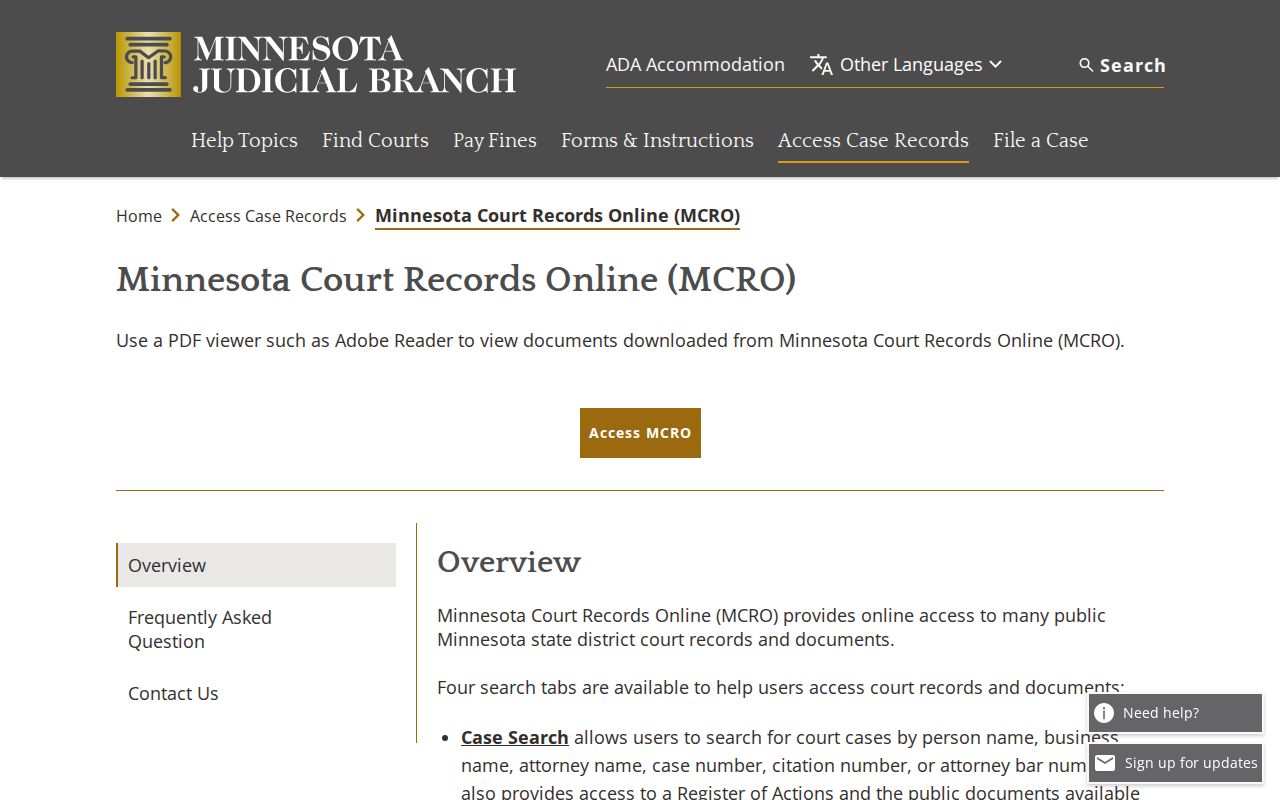
MCRO stays the online starting point for any Fillmore County case. For fuller access questions, the Fillmore County courthouse is the local route.