
How the Fillmore County Court Calendar Works
Fillmore County posts a daily calendar PDF covering scheduled courtroom hearings. Understand what it is. This Fillmore public schedule is not a searchable case database. It is not the full Register of Actions. Confidential matters stay off the list, as do Rule 8 subdivision 2 matters that are not remotely accessible. So a blank result in the PDF proves nothing. It cannot tell you that a case was never filed or that no other court event exists.
The local calendar pairs with MCRO. MCRO Case Details shows a case's Hearings block and its Register of Actions, while MCRO Hearing Search narrows by person or business, case number, judicial officer, attorney, or bar number. Use the Fillmore PDF as the date-specific piece, then compare it against those case details. Schedule and register answer different questions. The strongest Fillmore County docket lookup uses both.
Note: The Fillmore daily calendar covers only scheduled public courtroom hearings. It is not a complete list of case activity.
Fillmore Court Calendar PDF Columns
Each row in the Fillmore daily PDF describes one scheduled hearing. The fields are laid out to be readable. The columns carry real party names and case identifiers. That is why a public description should explain the field structure. It should not quote a live example. The calendar lets a reader match a case to its location, date, time, judicial officer, hearing type, connection type, and case-number column. Searching is possible with a browser or PDF-viewer find function. What you will not find is a dedicated attorney search box or a date-range control.
| Calendar column | What it indicates |
|---|---|
| Party Name | The named participant shown on the live Fillmore public schedule. |
| Hearing Location | A Fillmore published location such as Main Courtroom, Zoom Session, or another listed location. |
| Hearing Date and Time | The scheduled Fillmore appearance date and time. |
| Judicial Officer | The Fillmore judge or referee listed where applicable. |
| Hearing Type | The Fillmore setting label, such as Plea Hearing, Court Trial, or another published type. |
| Connection Type | A Fillmore participation cue such as Party, Attorney, Defendant, or Petitioner. |
| Case Number | The Fillmore court’s identifier, commonly shown in a local shape such as 23-CR-YY-NNN. |
The official Fillmore courthouse-history page is the source for the image below.
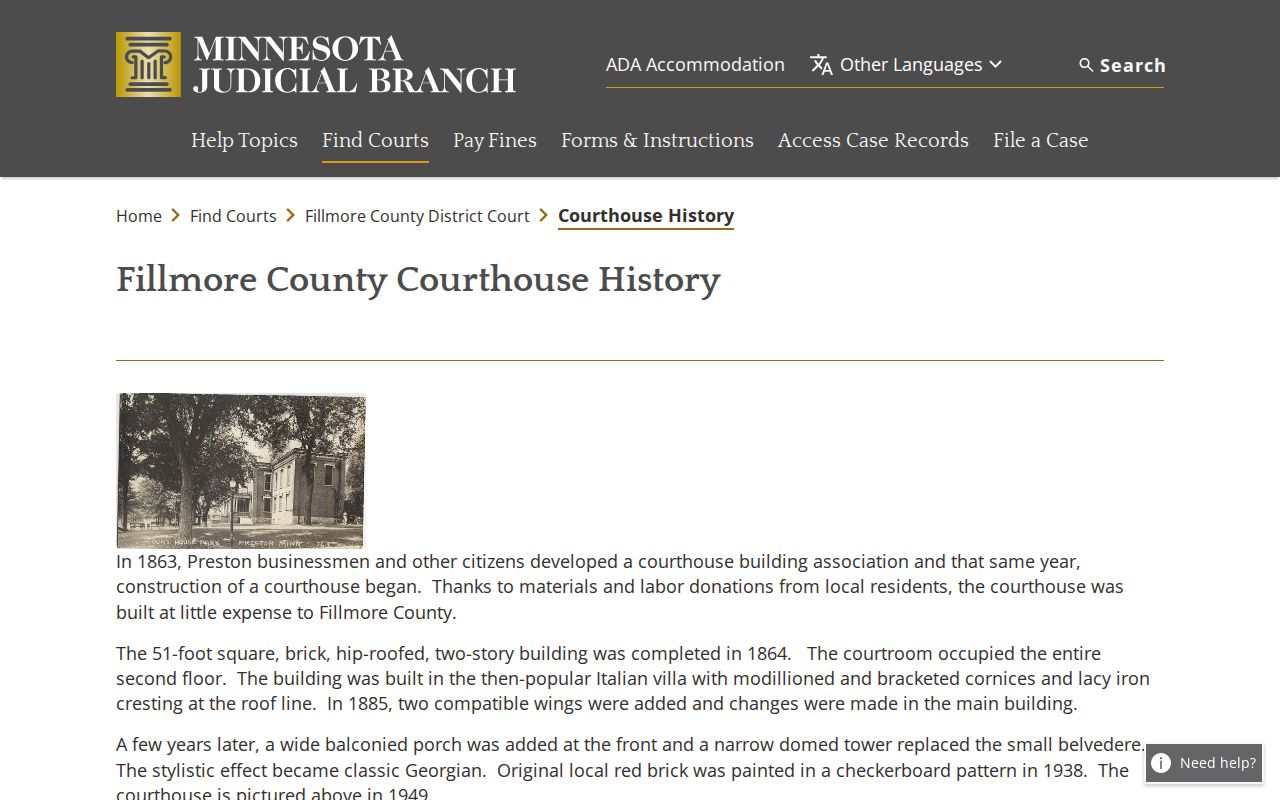
Fillmore's current courthouse replaced the earlier historic courthouse in 1958, and major remodeling wrapped up in 2004. The building is newer, but the rule stands. The calendar is a schedule, not a stand-in for the case record itself.
Fillmore County Court Date Lookups
Pick the route that fits what you already know. A Fillmore case number, citation number, party name, attorney, or judicial officer points you to MCRO Case Search or Hearing Search. Once the case opens, read the Fillmore Hearings block plus the most recent related events. Then compare what you see against the daily Fillmore PDF. Suppose a public calendar line looks changed or conflicts with the case view. The printed calendar outside the courtroom or in the public lobby is the local source. It is described as the most current.
Fillmore County offers other options too. The courthouse has a public-access terminal. A Court Administration counter handles access questions in person. Court Administration's main number is 507-765-6021. A phone call is the documented way to confirm a case-specific Fillmore question, especially when the PDF shows no hearing or an older web result clashes with a current setting. You can also visit the Fillmore County Courthouse at 101 Fillmore Street E., Preston, Minnesota 55965.
- Open MCRO and search by case, citation, person or business, attorney, or judicial officer as appropriate.
- In Fillmore Case Details, open Hearings and read the related Register of Actions entries in date order.
- Use Fillmore MCRO Hearing Search when the case number is unknown and a party, attorney, bar number, or judicial officer is known.
- Check the Fillmore daily calendar PDF for the listed date, time, location, officer, hearing type, connection type, and case number.
- Compare a conflict with the printed courthouse calendar or call Fillmore Court Administration at 507-765-6021.
Fillmore Court Calendar Update Cycle
Timing matters with this calendar. Fillmore posts the daily public schedule at 7:00 a.m. each business day and updates it hourly. The court itself warns that cases, judges, and courtrooms can change. That is why a saved Fillmore PDF can go stale even if it was accurate the moment you opened it. It also explains why the printed calendars outside courtrooms and in public lobbies count as the most current source whenever something does not match.
The split is easy to remember. The Fillmore PDF works for a public schedule lookup. The printed calendar and Fillmore Court Administration supply the local check when the hearing is near or a conflict appears. An update only changes the scheduled setting. It never deletes the older hearing or event from the case's historical Register of Actions. Keep the current-setting question separate from what the case history contains.
Court Settings: What Each Field Means
One Fillmore court setting equals one scheduled appearance. Read the case's Hearings block and the daily PDF side by side. The Fillmore date and time tell you when the appearance is set, and the hearing location tells you where the calendar places it. The judicial officer field names the listed Fillmore judge or referee where one applies. Hearing Type gives the procedural label, while Connection Type works as a participation cue. That cue has limits, though. It does not promise that every person may appear remotely or that no other court instruction applies.
| Date | The Fillmore calendar date printed for the scheduled hearing. |
|---|---|
| Time | The Fillmore scheduled appearance time shown in the public PDF. |
| Hearing location | The Fillmore listed location, which may be Main Courtroom, Zoom Session, or another published location. |
| Judicial officer | The Fillmore judge or referee printed on the schedule where applicable. |
| Hearing type | The Fillmore setting purpose, including observed labels such as Probation Violation Hearing, Jury Trial, Intermediate Disposition Hearing, Court Trial, or Plea Hearing. |
| Connection type | A Fillmore published participant cue, not a replacement for the court’s current appearance instructions. |
Checking a case number? Fillmore uses county code 23, followed by category, year, and sequence components. The format 23-CR-YY-NNN is an illustration only, not a live case identifier.
Fillmore Court Date Hearing Search
The Fillmore calendar PDF is not always narrow enough. MCRO Hearing Search is the stronger tool. It lets you pull scheduled hearings by person, business, case number, judicial officer, attorney, or bar number. Find the Fillmore case first. Then open Case Details to see its hearings and the Register of Actions. If the interface labels ever change, the official Hearing Search quick-reference guide carries the current controls.
One caution applies. Hearing Search works as a public online view. Remote access has gaps. When a matter will not display in MCRO or the daily PDF, go to the Fillmore courthouse terminal or counter. Ask Court Administration which public access route fits. That beats guessing that an online omission means the whole court file is empty.
When a Court Date Moves
A continuance or reset reshuffles the Fillmore schedule. It does not erase what came before. To read a Fillmore County case correctly, work through the Register of Actions in order. Find the newest order or hearing entry. Older settings stay visible as case history. Follow the later setting, or a date the court itself confirmed. The daily PDF can change hourly. Recheck a date whenever a setting is close at hand.
Fillmore has no published, official meaning for a vague abbreviation like “pass.” The same goes for a generic reschedule phrase. Do not invent a local definition for an unexplained label. Read the linked order if there is one. Compare the newest MCRO hearing information with the Fillmore daily PDF. If the current setting is still unclear, contact Fillmore Court Administration. The judge’s order and the court’s current calendar outrank any older web capture.
Fillmore Court Calendar Policy 525
Fillmore Policy 525 took effect February 3, 2025. It adapts Minnesota’s hearing-appearance framework to Fillmore. Default appearance types are set for each case category. A judge can still deviate. Adult criminal labels include settlement conference, plea hearing, contested omnibus, evidentiary hearing, pretrial, sentencing, court trial, jury trial, Rule 5 first appearance, arraignment, and bail. Rule 8 initial appearance also appears there. So do other listed settings. Beyond criminal, the policy covers treatment court, juvenile, housing or eviction, conciliation, civil, civil commitment, guardianship or conservatorship, probate, family, adoption, child support, and OFP or HRO matters in separate Fillmore entries. The Fillmore District Court judicial-directory profile shows what the court itself publishes about its bench.
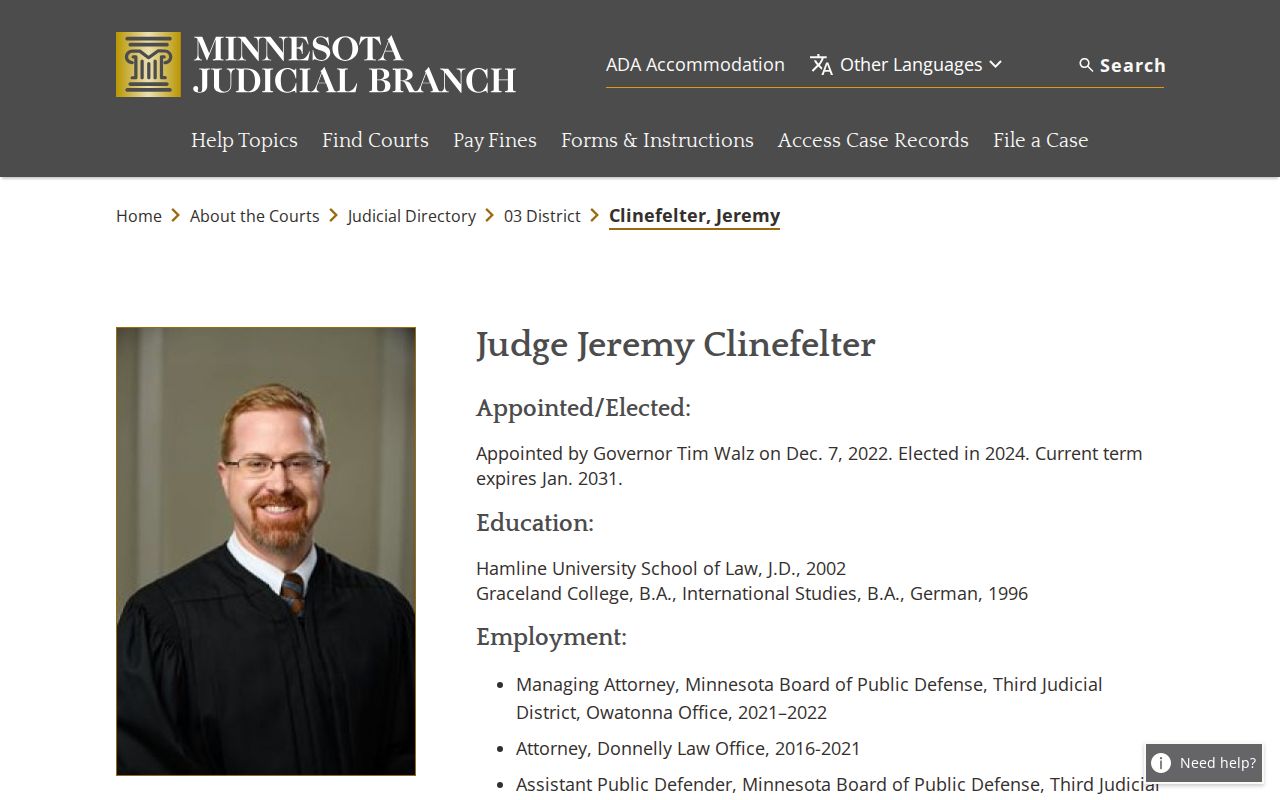
The judicial-officer field and Policy 525 both help you read a calendar line. Neither one replaces the case-specific directions in the current court record or from Court Administration.
- Plea hearing
- A local criminal setting label for an appearance addressing a plea.
- Intermediate disposition hearing
- An observed Fillmore daily-calendar hearing label distinct from a trial setting.
- Court trial
- A trial before a judicial officer, listed in the local policy and daily calendar.
- Continuance or reset
- A scheduling change that preserves the prior setting in history and creates or confirms a later setting.
Missed Settings and What Comes Next
Missed a Fillmore County setting? Start with the current Fillmore court record, not a remembered date. Skip the old PDF. Open the Fillmore case in MCRO if you can. Check the Hearings block and the newest Register of Actions entries. Then compare what you find against the day’s public calendar. The Fillmore daily PDF can leave out a confidential or non-remote matter. Treat no PDF result as final. Fillmore Court Administration can tell you the available route for confirming the current setting.
Confirm the current setting promptly. Use the case record, the daily calendar, and Court Administration rather than assuming that an older listing remains current.
Call Fillmore Court Administration at 507-765-6021 for a case-specific court-date question or a calendar conflict.
The right next step depends on the case and its current court entry. Fillmore publishes no universal consequence or reset process for every missed setting. The court’s current calendar and record are the reliable source.
Fillmore Court Date Confirmation Chain
Build a Fillmore County court date on a four-part confirmation chain: MCRO Case Details or Hearing Search, then the Fillmore case’s Register of Actions, then the Fillmore daily calendar PDF, then Fillmore Court Administration. Each link does its own job. MCRO identifies the Fillmore case and its hearing information. The Register shows the dated history. The PDF supplies the published daily schedule. Fillmore Court Administration answers when a current conflict, omission, or access question remains.
The chain also honors what a public calendar cannot do. A calendar line is not a complete docket. A Zoom Session label does not settle appearance instructions. A missing online matter does not mean no record exists. For Court Administration contact details and local calendar information, the official Fillmore court page is the place to look. Trust a court date most when the current case record and the current local schedule agree.
Note: The printed courthouse calendar is the stated most-current source when it differs from a downloaded daily PDF.